¶ CD-2 Key Dates
Key dates MUST be updated as programmatic changes are made. Updates can occur outside of Critical Decisions or Baseline Change Proposals.
For FPD Toolbox, Contacts, or PB-K graphs, please see the below links
FPD
Contacts
PB-K
¶ Dates required at CD-2
| Field Name | Field Requirement | Required at CD-2 |
|---|---|---|
| CD-0 Forecasted Planned Date | Populated at CD-0 | |
| CD-1 Forecasted Planned Date | Populated at CD-0 | |
| CD-2 Forecasted Planned Date | in accordance with CD-1 Approval Document | |
| CD-3A Forecasted Planned Date (If applicable) | in accordance with CD-1 Approval Document | |
| CD-3 Forecasted Planned Date | in accordance with CD-2 Approval Document | X |
| CD-4 Forecasted Planned Date | in accordance with CD-2 Approval Document | X |
| Closeout Forecasted Planned Date | Closeout Forecasted Planned Date if known | |
| CD-3 Lessons Learned Report Received Date | Populated at CD-3 | |
| CD-4 Lessons Learned Report Received Date | Populated at CD-4 | |
| CD-4 Preliminary Closeout Report Received Date | Populated at CD-4 | |
| Last Peer Review Date | Last Review Date if known |
1. Navigate to https://pars.doe.gov/
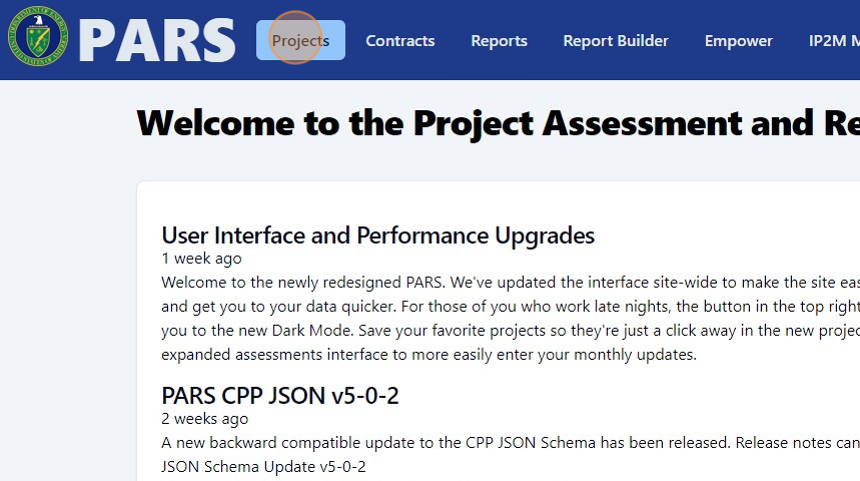
2. Click "Projects"
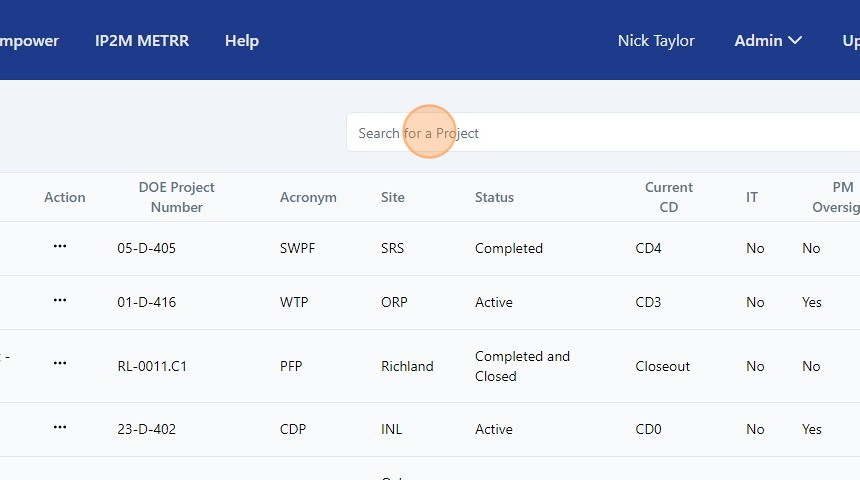
3. Click the "Search for a Project" field and type your project's name of PARS ID.
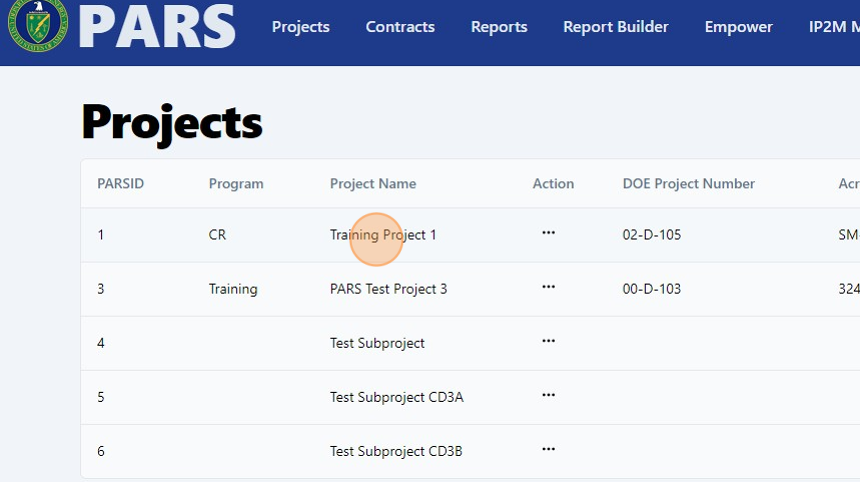
4. Click on your project.
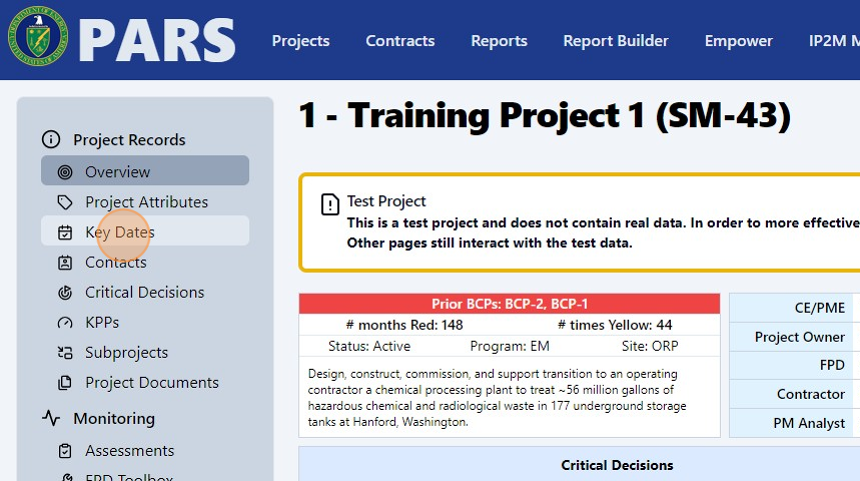
5. Click "Key Dates"
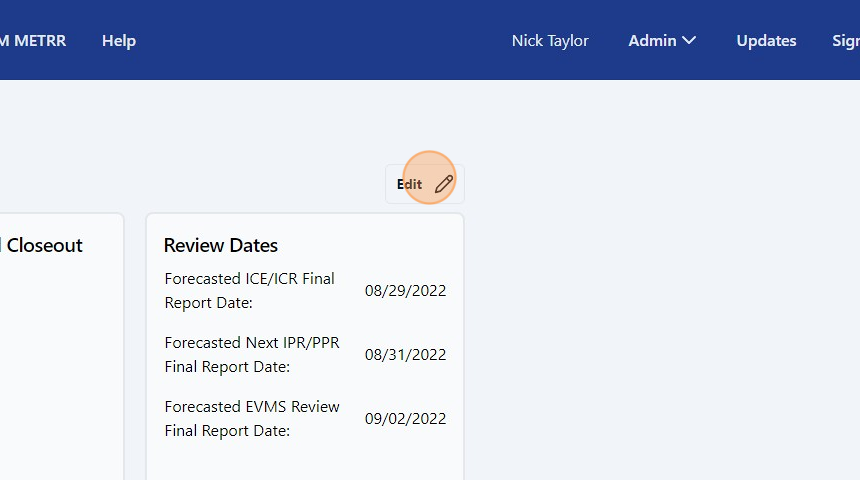
6. Click "Edit"
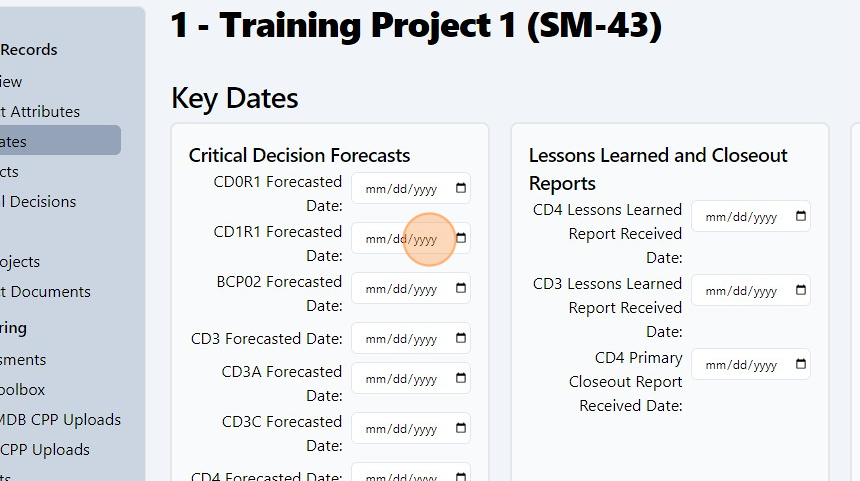
7. Edit the fields by clicking the "mm/dd/yyyy" and selecting the appropraite date.
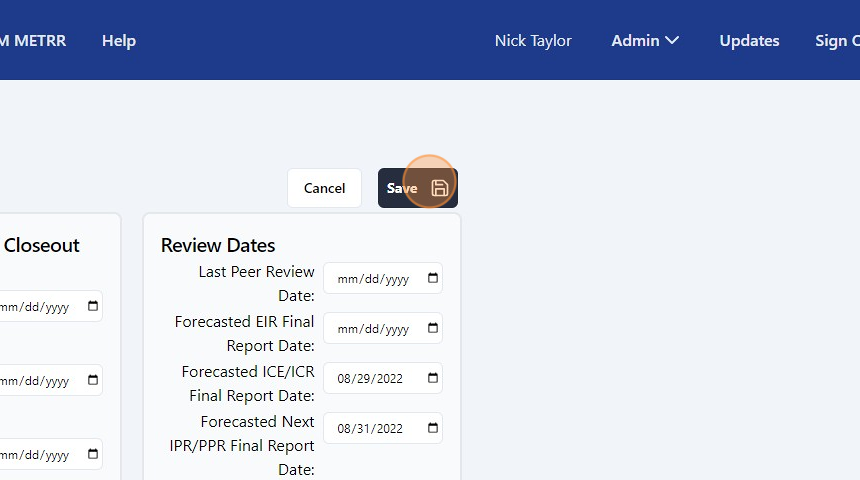
8. Click "Save".