¶ Getting Started with OPUS
The PARS Team has collaborated with the DOE's Office of Cybersecurity, Energy Security, and Emergency Response (CESER) to produce the Operations and Project Update System, or OPUS. This is a custom task, project, and portfolio management system desigend to help CESER better manage its emergency response operations.
Many of the features and pages in OPUS are governed by a permissions system. See here for a complete explanation. The following guide will assumes complete write access. Any deviation in screenshots from what is visible and/or accessible to you will be because of the role you have been assigned on a given Portfolio, Project, and/or Task.
¶ Table of Contents:
Basics:
Pages:
Administrative Pages:
¶ Signing In
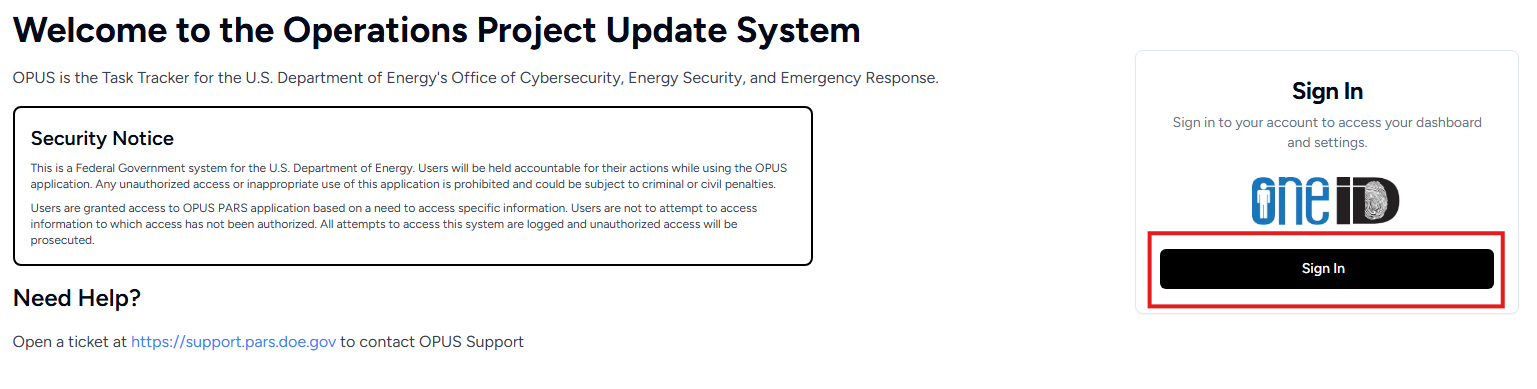
To access OPUS, navigate to opus.pars.doe.gov and login using your secure PIV login provided by DOE's OneID. Access is only granted to approved OPUS users. If you are encountering difficulties accessing the tool, please email support@pars.doe.gov for assistance.
¶ Navigation
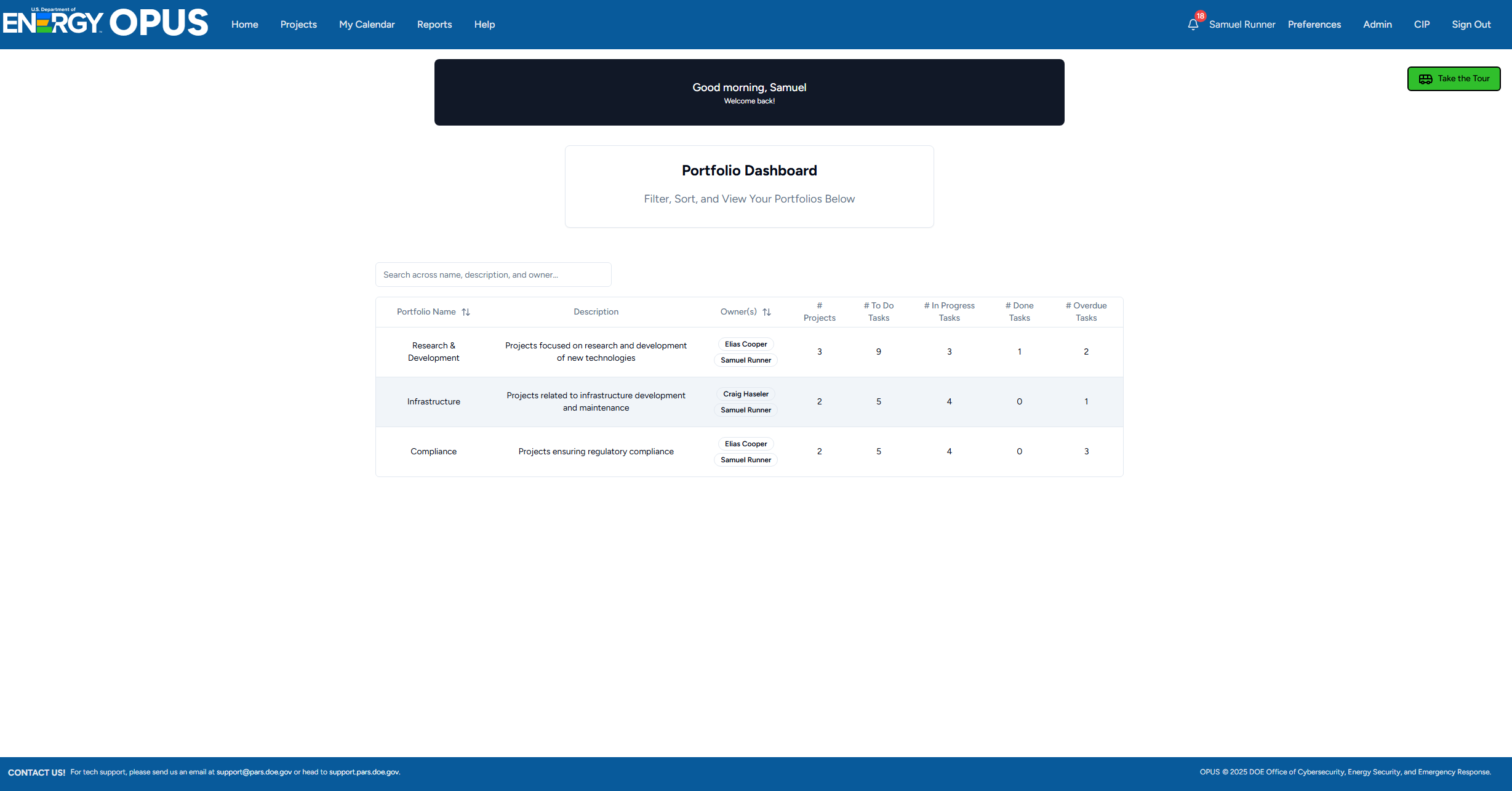
Navigating inside of OPUS occurs in a variety of ways, but is primarily accomplished via the Header, which includes the following buttons:
- Home - Navigates to Homepage, with a table of all Portfolios assigned to you
- Projects - Navigates to Projects page, with a table of all Projects assigned to you
- My Calendar - Navigates to the My Calendar page, displaying only tasks to which you are assigned in a calendar and a pair of tables
- Reports (Admin & Owners) - Navigates to the Reports page
- Help - Navigates to the Help page
- Notifications - A list of upcoming and overdue tasks
- Preferences - Navigates to the Preferences page
- Admin (Admin & Owners only) - Navigates to the Admin page
- CIP (Admin only) - Navigates to the CIP page
- Sign Out - Signs the user out
- Light/Dark Mode Toggle - A toggle for light/dark mode
The pages and their functionality are detailed below.
¶ Homepage
Once authenticated, you will be taken to the homepage where a table of Portfolios to which you have access will be displayed. Filter this by name, description, or owner, and click any row to navigate to that portfolio's page.
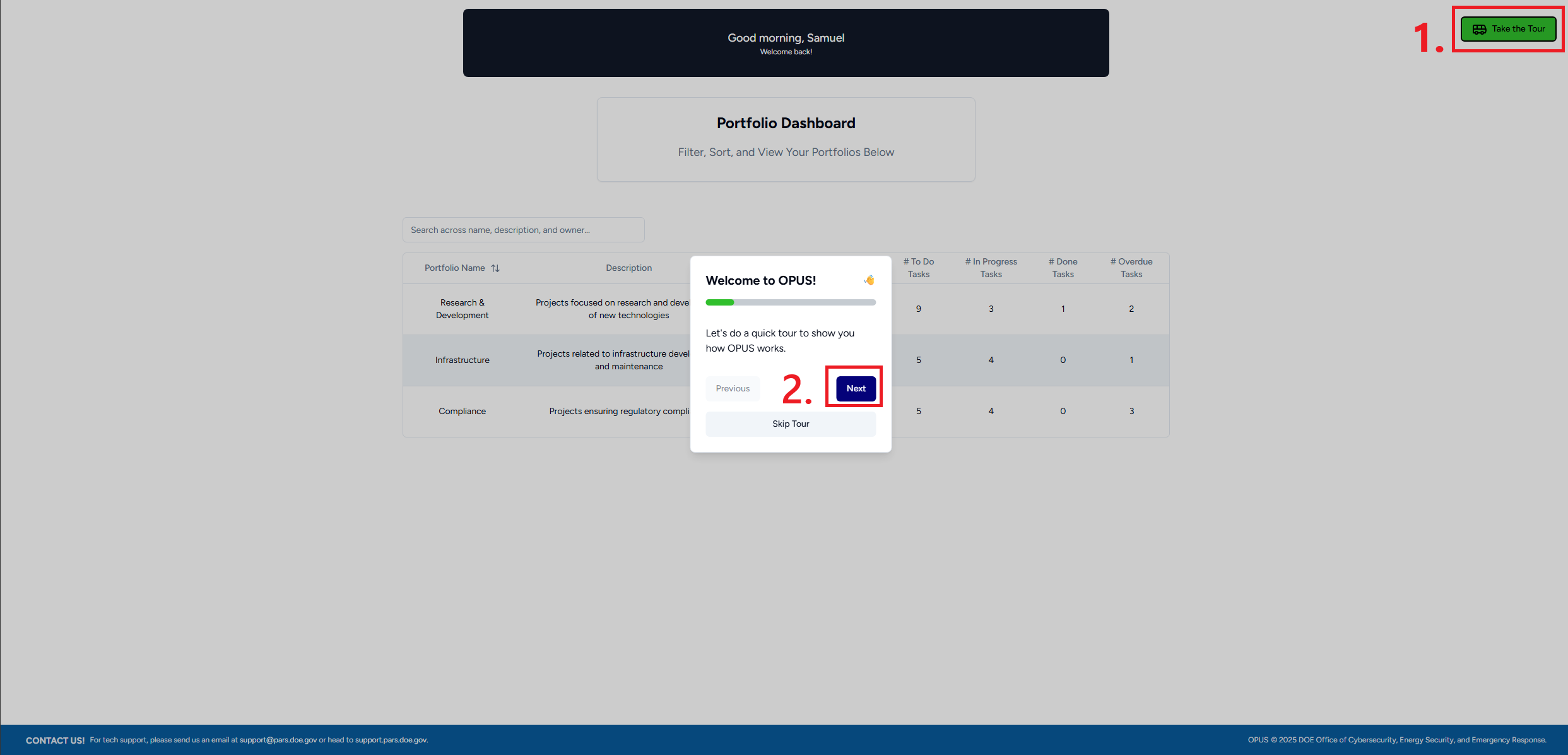
¶ The Tourbus
One of OPUS's most intuitive features is the integrated Tourbus. The Tourbus is always at the top-right of a page, and clicking it will display an interactive tour of a page and its associated features. Whether you're just getting started or need a refresher, the Tourbus is a great way to learn about OPUS without having to leave the page!